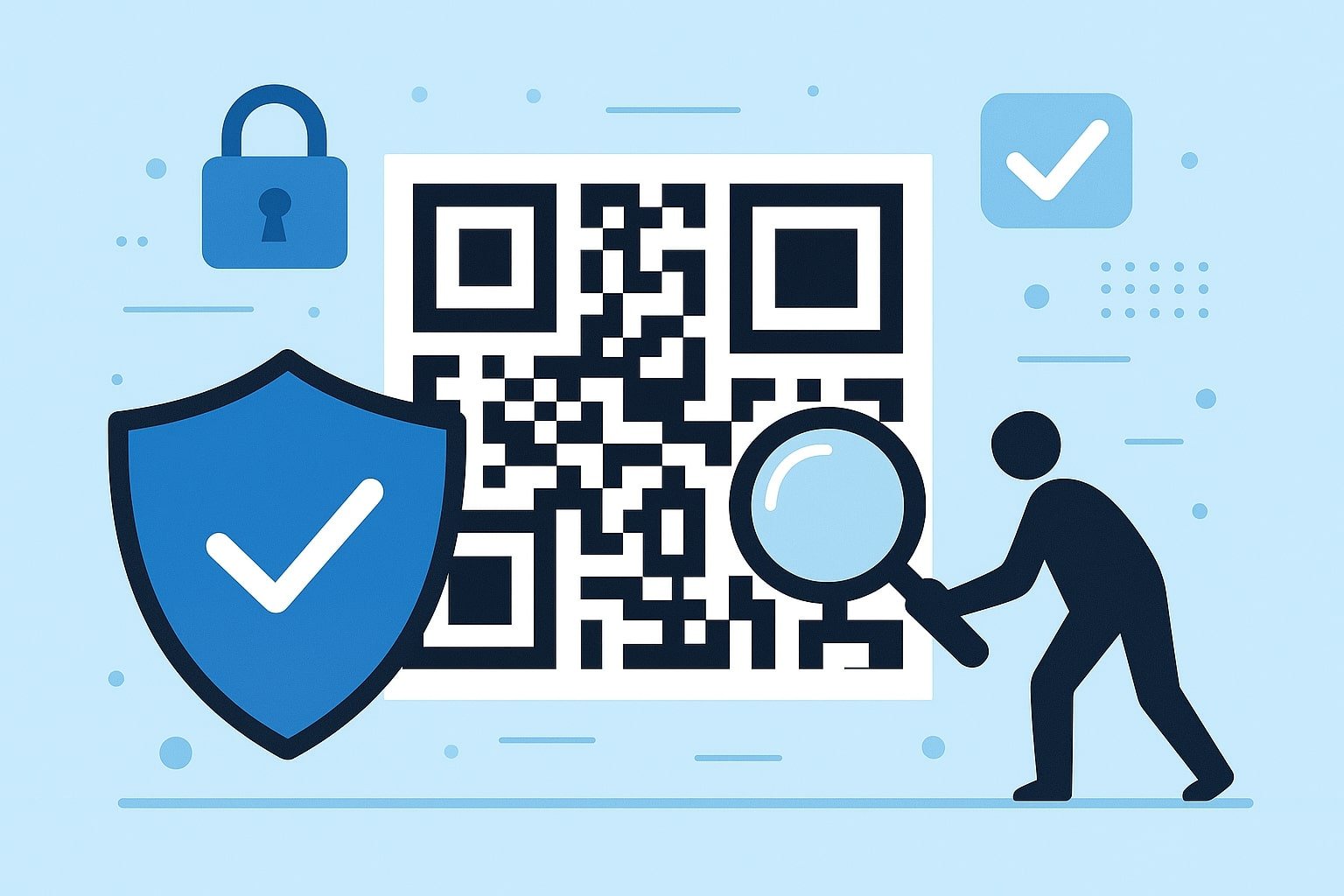
While QR Codes are secure by design, safeguarding them from potential misuse is essential. To protect users and your technology, consider implementing the following best practices:
Opt for Trusted QR Code Generators and Scanners
Hackers and malicious actors can target more than just the links embedded in QR Codes; they may also compromise the generators by embedding harmful content like viruses and intrusive advertisements. This malicious software can remain hidden within these tools using sophisticated methods, leading to widespread infections across numerous mobile devices. A notable incident involved 10 million users unknowingly installing a compromised barcode scanner app.
Carefully choosing your Advance QR Code generator is crucial to protect yourself. Researching user feedback through app store ratings, product reviews, and online forums can help you identify reliable and secure options.
Be Vigilant for Tampering Signs
Always verify the authenticity of any QR Code you encounter. This is especially crucial when scanning codes from printed materials in public areas, as they could have been replaced with counterfeit versions. Look for discrepancies or signs that the original code has been tampered with, ensuring you access a legitimate source.
Confirm the Credibility of the Company and URL
Before scanning any QR Code, consider the following questions:
- Does the company appear reputable?
- Is the design of the QR Code polished and professional?
- Does this QR Code align with other authentic codes from the same source?
Once you scan the code and are directed to a website, apply the same scrutiny. It is crucial to examine the URL for any irregularities and ensure it matches the expected branding and graphics of the legitimate site.
Exercise Caution When Sharing Personal Information
Proceed cautiously if a website prompts you to enter personal information, such as login credentials, passwords, phone numbers, or credit card details.
While legitimate marketing campaigns may ask for your name and email or facilitate direct purchases, it's essential to assess the security of the situation before providing any information. Trust your instincts—you should refrain from sharing details if something feels off or suspicious.
Implement Security Software on Mobile Devices
Having reliable anti-virus and anti-malware applications is essential for safeguarding your smartphone. Consider installing trusted apps like Kaspersky, Bitdefender, Avast, or McAfee. These tools can help prevent drive-by downloads and notify you of suspicious URLs.
Additionally, enhance your security by turning off your device's "open website automatically" feature. This adjustment allows you to review the URL before being redirected, providing an extra layer of protection when scanning QR Codes.