From scanning restaurant menus, catching them in TV commercials, or even finding them on cereal boxes for instant access to product details, QR codes are now everywhere. But why have they become so widespread? The answer lies in their ability to bridge the gap between the physical and digital worlds, providing users with immediate access to valuable information highly appreciated by today's consumers.
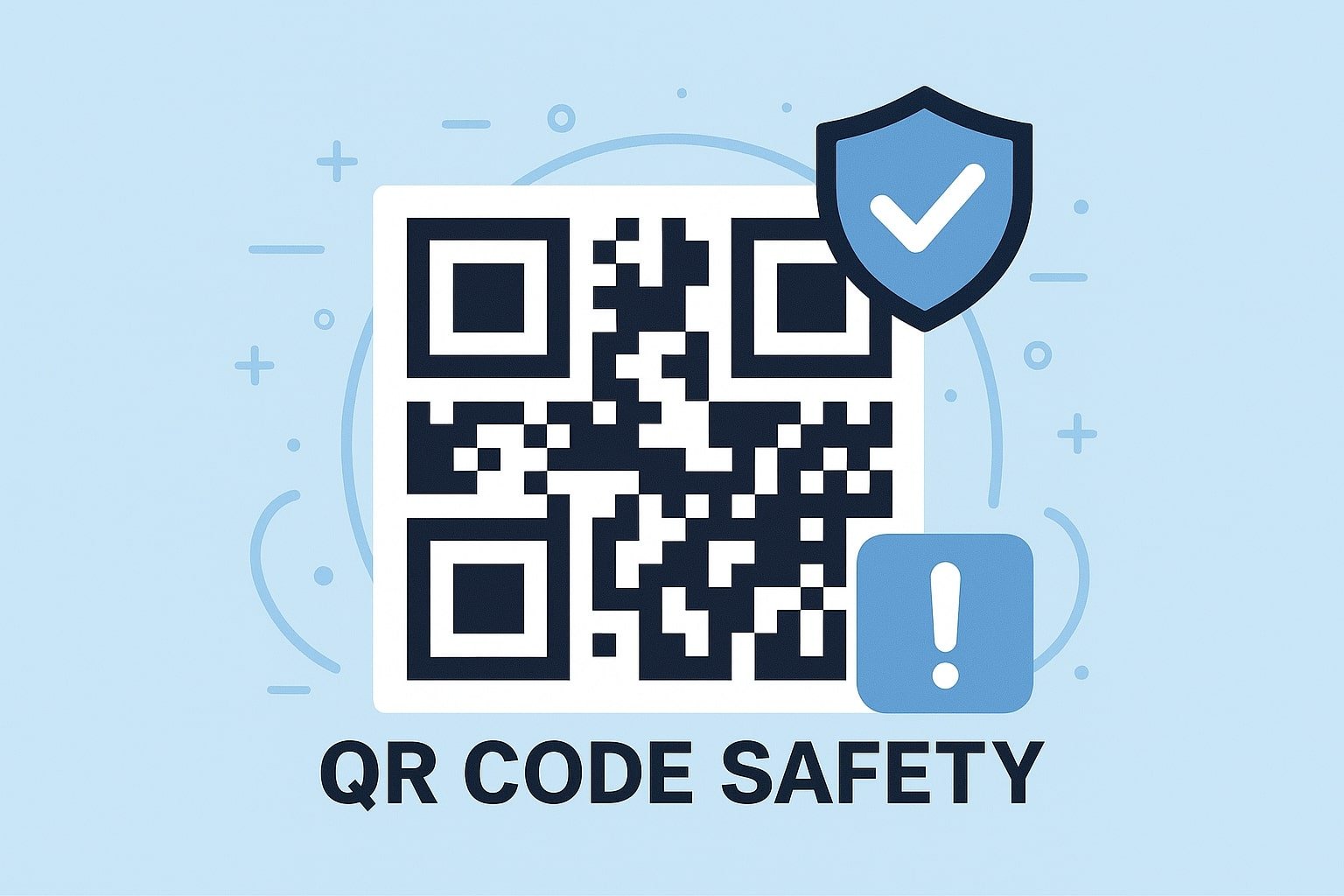
However, with this widespread use comes a crucial question: Are QR codes safe? In the following sections, we'll address this concern and offer practical tips to help you avoid falling prey to QR code scams.
Are QR Codes Safe?
Yes, QR Codes are generally secure. Basically, there are two main types of QR Codes: Static & Dynamic QR Codes. Static QR Codes have fixed information, which means once they are created, the information is unchangeable. On the other hand, Dynamic QR Codes offer more flexibility, as their content can be updated after creation. Moreover, only those accessing the original user account can modify the linked data in dynamic QR Codes.
While QR Codes are not inherently dangerous, they are often considered more secure than near-field communication (NFC) tags. QR Codes are designed to prevent unauthorized access, meaning there is no risk of tampering or interception unless someone has access to the original creator's account.
However, like any technology, scammers can misuse QR Codes by generating fraudulent versions and placing them in locations where genuine codes are accepted. With the right precautions and awareness, you can easily avoid falling victim to such schemes.
Are QR Codes Safe to Scan on iPhones and Android Devices?
Scanning QR Codes with iOS or Android devices is generally safe, as both platforms use the camera to capture the codes and display relevant content in a separate window. The act of scanning a QR Code itself won't harm your device.
However, the potential risk arises when you interact with the content of a malicious code, such as following dangerous links. It's always wise to exercise caution and avoid scanning QR Codes from unknown or untrustworthy sources.
How to Safely Scan a QR Code on Your Smartphone
- Verify the Source: Always ensure the QR Code is from a reputable and trusted source before scanning.
- Use Your Camera: Most modern smartphones have a built-in feature that automatically reads QR Codes through the camera. You can download a free QR Code scanner app if your device doesn't support this.
- Focus on the Code: Make sure the camera is steady, and the QR Code is clearly focused on properly capturing and decoding the information.
- Inspect the Link: Before interacting with the content, review the URL or any prompts to confirm the legitimacy and security of the destination.
Is It Possible to Hack QR Codes?
QR Codes, by their very nature, cannot be hacked. Their construction is based on a matrix of tiny, pixelated dots, and altering these dots would invalidate the code entirely. Therefore, QR Codes do not present a direct security risk.
That said, cybercriminals can exploit the trust people place in QR Codes by creating counterfeit versions. These malicious codes can mislead users into visiting harmful websites or downloading unsafe applications. While the integrity of the QR Code itself remains intact, the risk lies in the destination it points to, making it crucial to stay vigilant when scanning unfamiliar codes.
How Are QR Codes Exploited in Fraud Schemes?
While QR Codes themselves are secure, the risk arises when they come from unverified or suspicious sources. Scammers have increasingly turned to deceptive tactics, such as replacing legitimate QR Codes with fraudulent ones, to mislead users.
A common scam involves covering real QR Codes with fake ones, especially where people expect to find authentic codes, such as parking garages or public spaces. According to the FBI, these scams can direct users to malicious websites. If users follow the prompts, they may unknowingly share sensitive financial information, transfer funds to criminals, or expose their devices to harmful software.
To protect yourself, it's essential to confirm the legitimacy of a QR Code before scanning and interacting with the content it leads to.
How to Handle and Report a Fraudulent QR Code
To avoid falling victim to fraudulent QR Codes, verifying their authenticity before scanning is crucial. Look for clear indicators like the company's official logo or branding associated with the code.
Additionally, compare the suspicious QR Code to others nearby or from trusted sources. While subtle differences in the pixel structure are hard to detect, visual elements like color schemes, borders, or frames can provide clues about whether a code is legitimate.
If you encounter a fraudulent QR Code, report it immediately to the impersonated company, local authorities, and organizations like the Internet Crime Complaint Center (IC3). Be sure to alert other customers, colleagues, friends, or family so they don't unknowingly scan the fraudulent code.
The Rise of "QRishing" Scams
While phishing attacks can take many forms, the use of QR Codes in phishing, known as "QRishing," has become increasingly prevalent. Scammers often design fake QR Codes that direct users to websites mimicking legitimate platforms, such as banking or e-commerce sites. These fraudulent sites then prompt visitors to enter sensitive information, such as credit card numbers, passwords, or email addresses. Once obtained, this data can be used to gain unauthorized access to personal accounts.
"Phishing remains one of the most widespread cybercrimes today. Phishing attacks surged by 61% in 2022 compared to the previous year, reaching 255 million incidents annually."
What to Do If You Suspect a QR Code Phishing Link
Acting quickly and cautiously is essential if you believe a QR Code has led you to a phishing link. First, avoid entering any personal or financial information on the site. Immediately close the webpage and disconnect from any suspicious network, if applicable.
Next, the suspected phishing attempt should be reported to the company or institution the scam is imitating and to cybersecurity agencies like the Internet Crime Complaint Center (IC3). Additionally, run a full scan on your device to check for malware or viruses that the link might have triggered.
By staying vigilant and taking these steps, you can help protect yourself and others from falling victim to similar scams.
The Hidden Threats Behind Malicious Software QR Codes
With more than 450,000 new malware programs emerging daily, caution is essential. Scammers often use QR Codes to direct unsuspecting users to malicious websites that trigger automatic downloads, requiring no input from the user.
Simply visiting these sites can result in harmful software being downloaded onto your device, exposing you to significant risks such as data theft or unauthorized access to personal information. To protect yourself, it's crucial to be vigilant and scan only QR codes from trusted sources.
Steps to Take After Scanning a Malicious QR Code
Quick action is crucial if you realize you've scanned a malicious QR Code. First, avoid interacting with any links or downloading files prompted by the site. Immediately close the browser or app and disconnect from the internet to prevent further harm.
Next, run a security scan on your device to detect and remove any malware. As a precaution, update your passwords, especially for financial or sensitive accounts. Monitoring your accounts for any suspicious activity is also a good idea.
Finally, report the incident to relevant authorities, such as your bank, cybersecurity services, or platforms like the Internet Crime Complaint Center (IC3).